Syncing Between Your Devices
Private Passwords can keep your items in step across your iPhone, iPad and Mac, using Apple's iCloud Keychain. Nothing goes through Pebble IT, and nobody else can read your items: Apple encrypts them end to end.
How it works
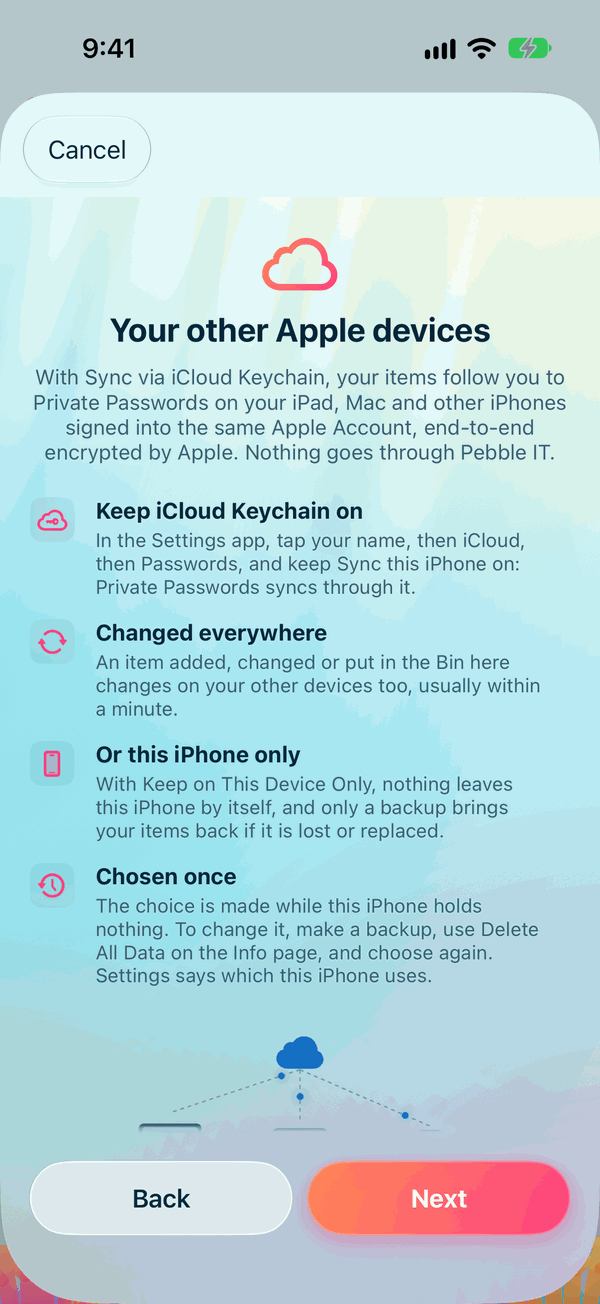
- You chose Sync via iCloud Keychain or Keep on This Device Only during the Welcome.
- With sync, your items appear in Private Passwords on every iPhone, iPad and Mac signed into the same Apple Account with iCloud Keychain turned on.
- An item you add, change, or put in the Bin on one device changes on the others too, usually within a minute.
- Your templates, tags and types follow too. Settings stay on each device.
Keep iCloud Keychain on
- Open the Settings app and tap your name.
- Tap iCloud, then Passwords.
- Keep Sync this iPhone on.
Which do I have?
Open Settings in Private Passwords and look under Sync.
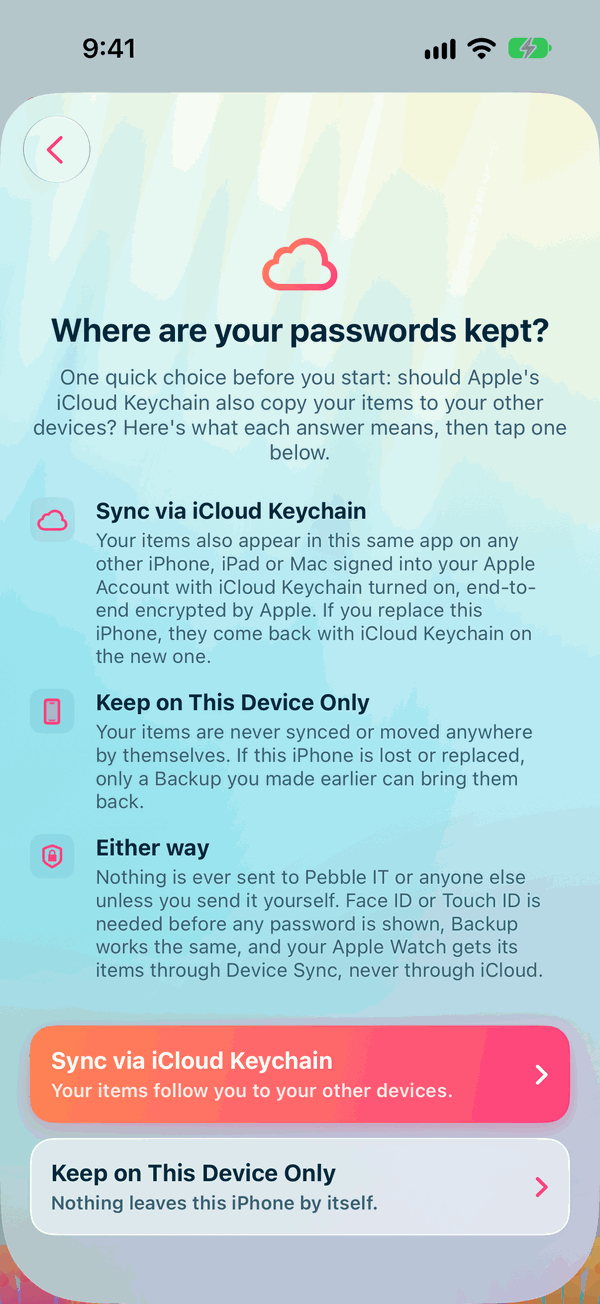
Changing your choice
Everything you keep remembers the choice it was made with, so the choice can only be made while Private Passwords is empty. To change it:
- Make a backup. See Making and Restoring a Backup.
- Open Info, tap Delete All Data and choose Delete Data on This Device. Not Delete Everything, Including iCloud: that deletes your iCloud backups too.
- The Welcome asks again. Choose the other answer.
- Restore your backup.
When sync is on, do I still need a backup?
Yes. Sync copies a mistake as faithfully as anything else: delete an item by accident and it's deleted everywhere. A backup is a copy you can go back to. See Why Back Up?.
Your Apple Watch
Your Apple Watch doesn't use iCloud Keychain. It gets your codes from your iPhone over their own paired connection. See Codes on Your Apple Watch.