Archive, Delete and Merge by Swiping
Swipe an item's row in Recent or Tags to see what you can do with it.
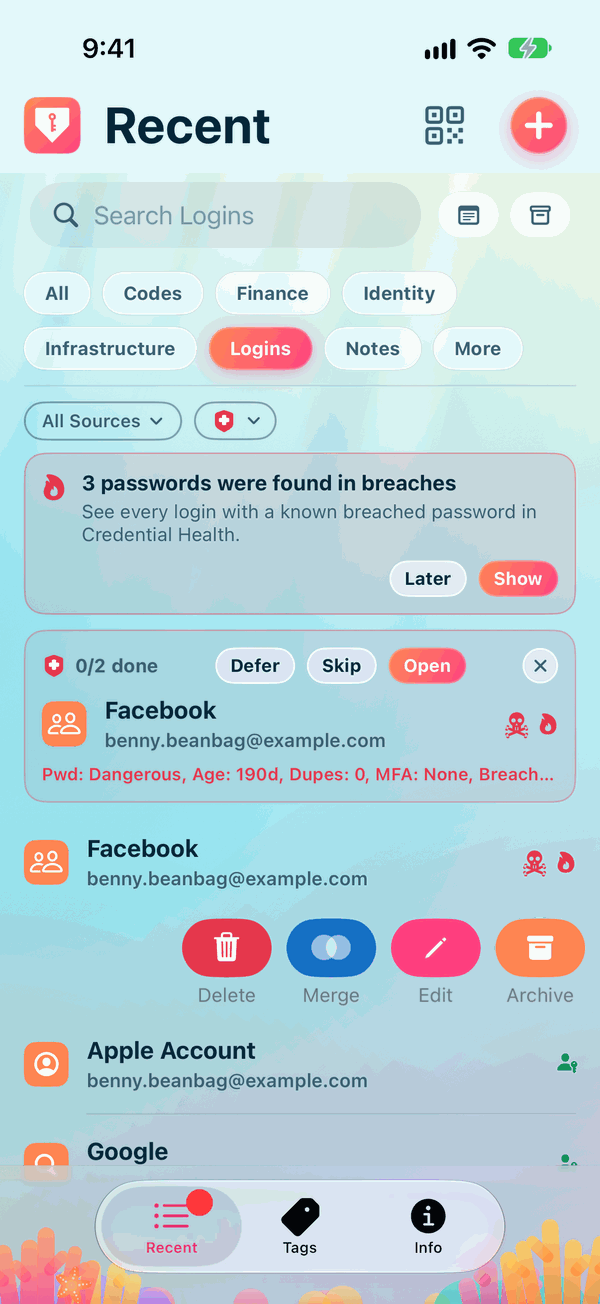
- Edit: open the item ready to change. See Adding and Editing Items.
- Merge: bring two items for the same login together into one. See Merging Duplicates.
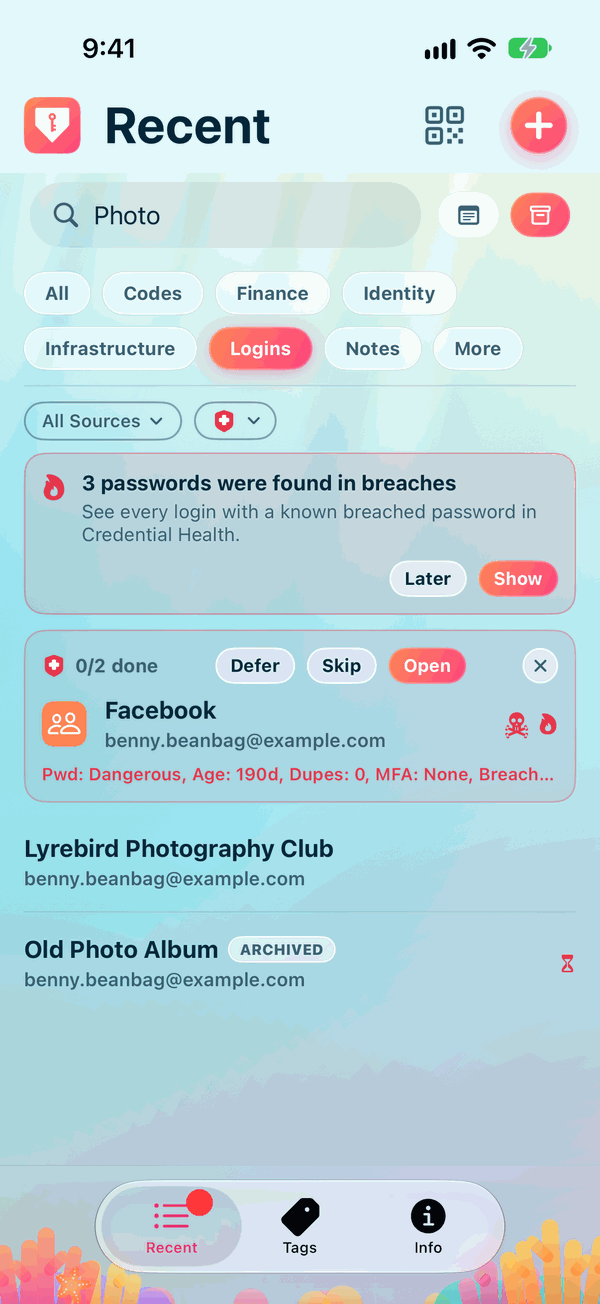
- Archive: put an item away without deleting it. It's kept, but out of your everyday lists. To see archived items, tap the Archived button under the pills until it says Include archived or Archived only. An archived item's row offers Unarchive to bring it back.
- Delete: move the item to the Bin. It stays there for a number of days, in case you change your mind, and is then deleted for good. Private Passwords asks first.
Not seeing Archive or Delete?
Archiving and deleting can each be switched off in Settings, under Archive and Bin. An identity that a login still uses can't be archived or deleted until you change that login's identity.