Closed: the Cover
Closed, the iPhone Duo is the size of an ordinary iPhone, with its screen on the cover. Private Passwords shows one page at a time there, as on any iPhone, with a few touches made for the cover.
The strip and the tabs
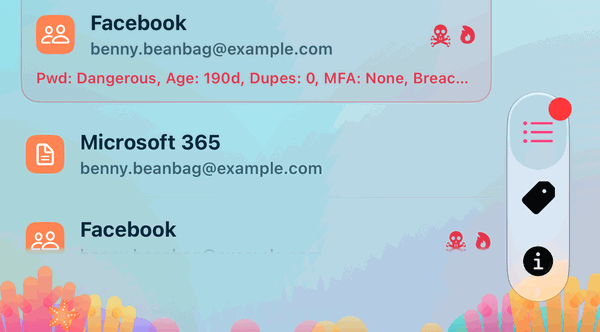
The cover keeps a strip down its right-hand edge for the camera, the clock, Wi-Fi and the battery. At the bottom of the strip are the app's three tabs, Recent, Tags and Info, drawn in your theme's colour. Tap one to switch.
The pages
- Recent, Tags and Info lie straight on your theme's picture, each item's name on the picture with a thin line between one row and the next.
- The top of the page stays put. The logo, the page's name and its buttons stay where they are while the list scrolls up under them.
- The menu. Tap the logo and the menu opens beside it, with the same items as on any iPhone; held sideways, in two columns. See The Menu, the Info Page and Landscape.
- Swiping a row shows its actions, as on any iPhone. See Archive, Delete and Merge by Swiping.
Screens that open over a page
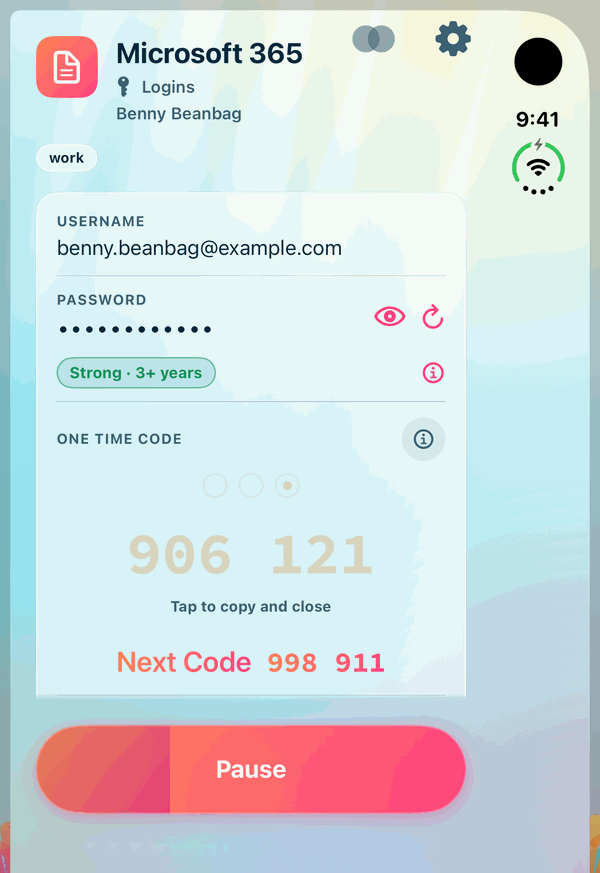
Screens such as an item, New Item, Manage Tags and Settings open over the page as usual, with their name as a heading at the top and their buttons, such as Done, Cancel and Save, on the right. The heading stays put while the screen scrolls.
Sideways, or standing as a tent
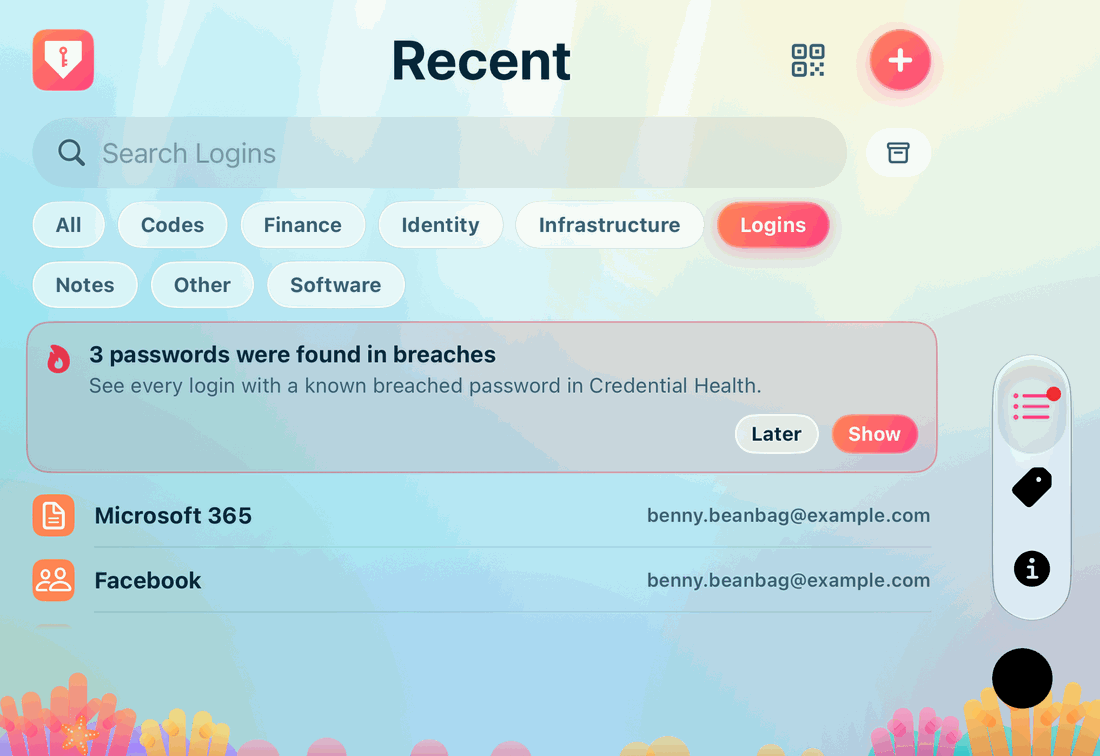
Turn the closed Duo sideways, or stand it up half open like a tent with the cover facing you, and Recent, Tags and Info are each a page of their own across the cover, as on any iPhone held sideways. The tabs stand in a pill in the camera's strip: near its foot with the camera at the bottom right, near its top with the camera at the top left. Each row of a list is one line, the item's name at its start and its username at its end. An item, or anything else you open, opens as a card from the top of the cover to its foot. See Landscape.
The lock screen
The lock screen and the splash screen sit in the middle of the whole cover, with your theme's picture behind them.