What the App Never Does
A short list of promises, every connection the app makes, and an honest list of what no app can promise.
Private Passwords never…
- sends your items to Pebble IT or anyone else. There's no Pebble IT server for them to go to. The only copies outside your device are the ones you choose to make: iCloud Keychain sync, backups in a file or in your own iCloud, exports and your Apple Watch. A file for Pebble IT Support goes only when you send it yourself, from your own mail, and names no username, password, code, web address or note.
- asks you to create an account or sign in. There's no account.
- shows adverts, collects analytics or tracks what you do.
- shows a password without checking it's you: Face ID or Touch ID, or your passcode or Mac password where those can't be used. With Touch ID, a passcode or your Mac's password, one check lasts for the unlock period you set.
- keeps your backup's recovery key. It's shown once while you make the backup. The app doesn't keep it, and nobody, including Private Passwords, can recover it.
- asks for your photo library, contacts, location or microphone. When you choose a picture, the system hands over only the one you chose.
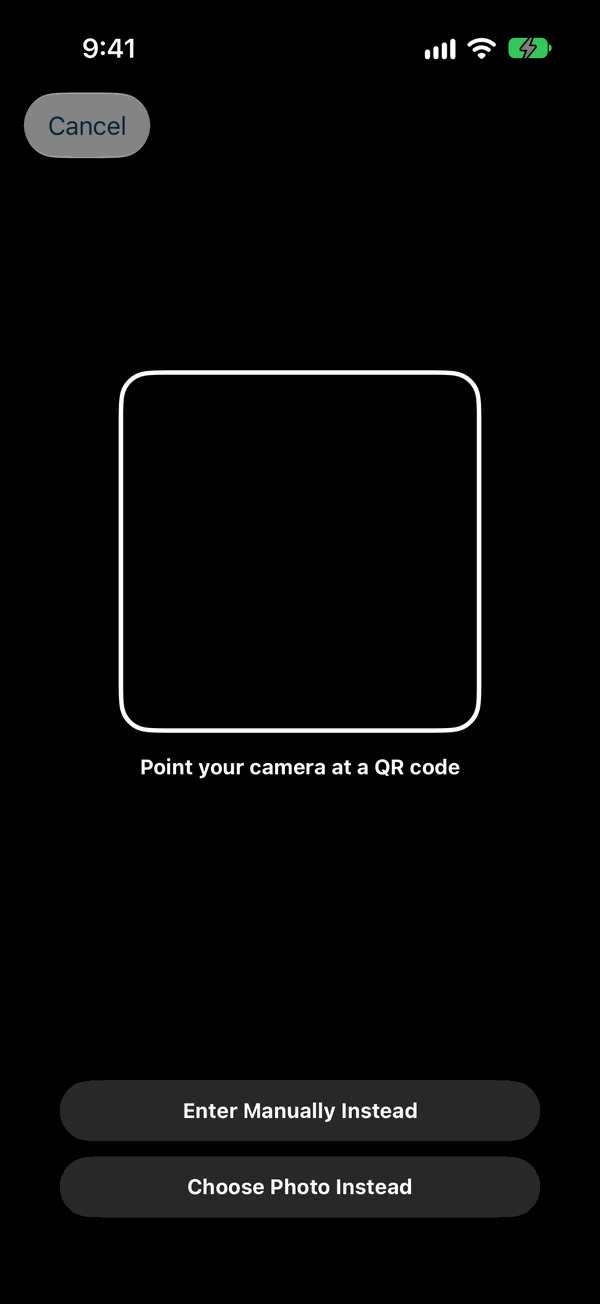
- uses the camera for anything but reading the QR code of a one-time code.
What it connects to
Private Passwords makes only these connections:
| What | When | What leaves your device |
|---|---|---|
| An item's own website, for its icon | See below | A request for the site's front page and the picture it names, like the one a browser makes. The site learns only that someone asked for its icon. |
| The public lists of which sites offer MFA and passkeys | At most once a month, while Credential Health and Check what sites offer are on | Nothing of yours. Each list is fetched whole and matched against your sites on your device. |
| Have I Been Pwned's Pwned Passwords, to check for breached passwords | While Credential Health and Check Breached Passwords are on, as you open items | The first 5 characters of a scrambled form of a password. Never the password, its username or the site: the answer is matched on your device |
| Apple's iCloud Keychain | If you chose to sync | Your items, which Apple encrypts end to end. Apple does the syncing, not Private Passwords. |
| Your own iCloud | With Backup to iCloud on, as you back up; and now and then, while you're signed in to iCloud | Your backups, sealed with your iCloud Backup Key, which only your devices hold. And a record of what Private Passwords has done on each device (when, and what kind of thing: never a name, username, password, code, address or note), kept for 14 months, for Send to Support to gather if you ever ask for help. Only you can reach either. |
| Your own mail app | Only when you choose Send by Email in Send to Support | The support file, sealed so that only Pebble IT Support can open it, which you send yourself. |
| Your Apple Watch | With Device Sync on | Items holding a one-time code, sealed so that only your Watch can open them, sent over the iPhone's paired connection, never through iCloud. |
Asking for icons, in more detail:
With Icons from sites on, in Settings under Icons, an item's own site is asked for its icon, and nobody else: when you press Site in an item's editor, when you choose Bring Site Icons on the Info page, and once when an item is saved with a new site and no icon. It's on unless you turn it off. Off, no site is ever asked, and the icons you have stay.
Private Passwords itself has no access to the network at all. A small helper inside it asks the site, and the helper can't read your items: only a site's name, or a picture you chose for an item, goes in, and only a small picture comes out. With Icons from sites on, in Settings under Icons, a site is asked when you click Site in an item's editor, when you choose Bring Site Icons on the Info page, and once when an item is saved with a new site and no icon. It's on unless you turn it off.
The same helper fetches the lists of what sites offer, with Check what sites offer on. Nothing goes in but the request for each whole list, and the lists are matched against your sites by Private Passwords, on your Mac.
Every request for an icon uses an encrypted connection, sends no cookies and keeps nothing afterwards. No icon service is ever used, since one would be handed the list of your sites.
Some links open a website in your browser when you choose them: an item's site, and Pebble IT's website and this documentation from the Info page. Private Passwords hands the address to your browser and nothing more.
The permissions it asks for
| Permission | When | Why |
|---|---|---|
| Camera | The first time you scan a QR code | To read the QR code of a one-time code |
| Face ID | The first time you need it | To check it's you |
| Permission | When | Why |
|---|---|---|
| Camera | The first time you scan a QR code with it | To read the QR code of a one-time code |
Everything else, such as the photo picker and choosing a file, is provided by the system and needs no permission of its own.
What no app can promise
- If your device is unlocked and the launch lock is off, whoever holds it can see your items' names, websites and tags (not their passwords).
- If your device is jailbroken or otherwise compromised, software running on it can read what the app reads. The Keychain and Face ID or Touch ID protect a device that hasn't been tampered with.
- A backup is as safe as its recovery key. Anyone who has both the file and the key can restore your items.
- An export file holds your passwords in plain text. Anyone who has the file can read them. Save it only where you must, and delete it once it has served.
- A password on screen is a password on screen. If you read it out, or type it into a fake website, the app can't help.
- The websites you sign in to have their own weaknesses. A strong, unique password and MFA make your logins much harder to steal; they don't make the website itself secure.
The Privacy Policy puts this in writing.
Continue to If You Lose Your iPhone or Mac.