Open: Two Halves
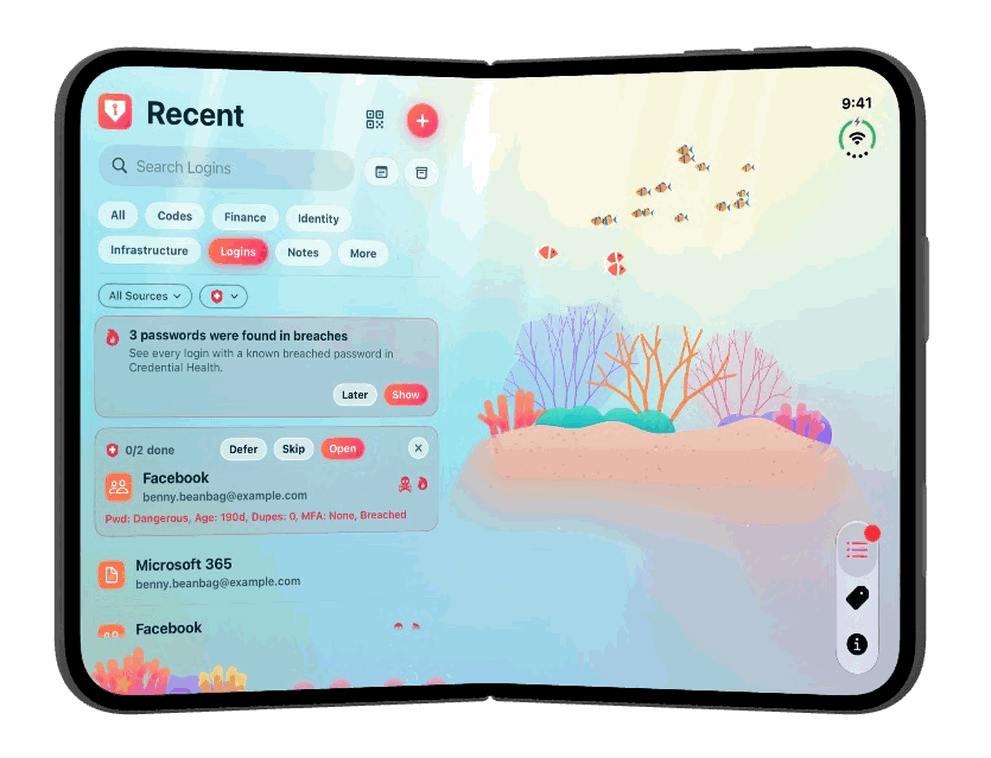
Open, the iPhone Duo's inner screen is nearly the size of a small tablet. Private Passwords splits it in two at the fold, over one picture of your theme that runs across the whole screen.
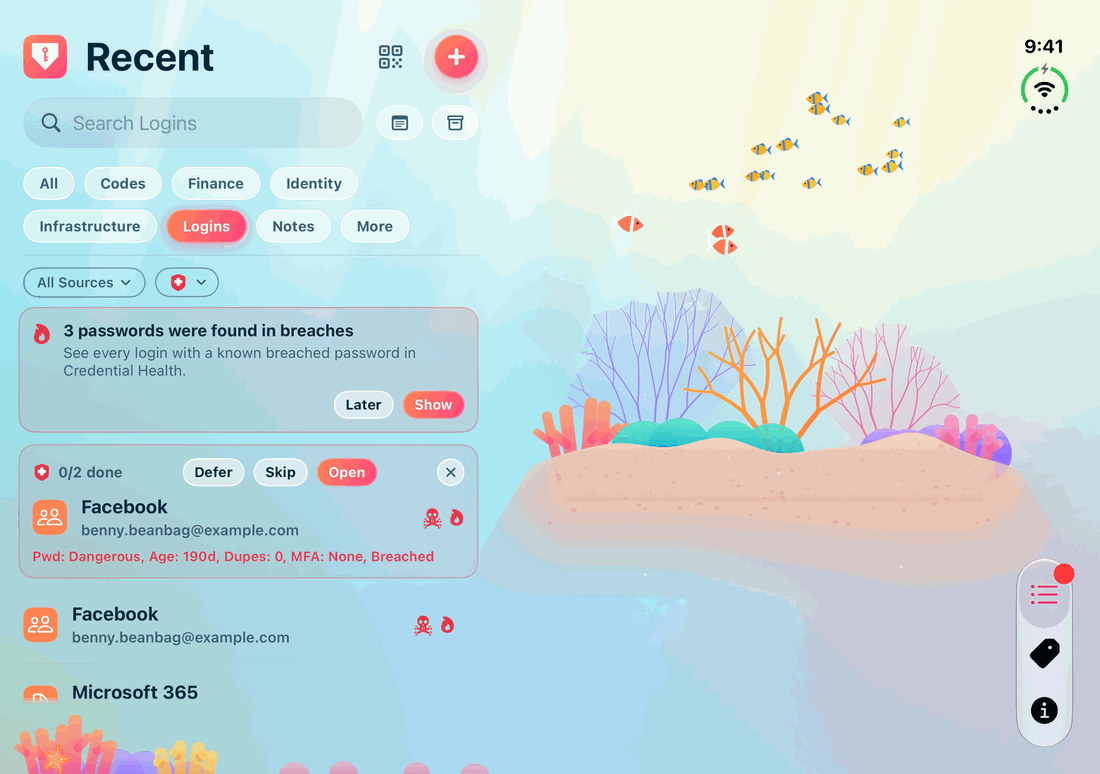
The left half: your pages
The left half holds the page you'd see on the cover: Recent, Tags or Info. Switch between them with the three tabs at the foot of the strip by the clock. The logo opens the menu and the + makes something new, as everywhere else.
The right half: your item, or a picture
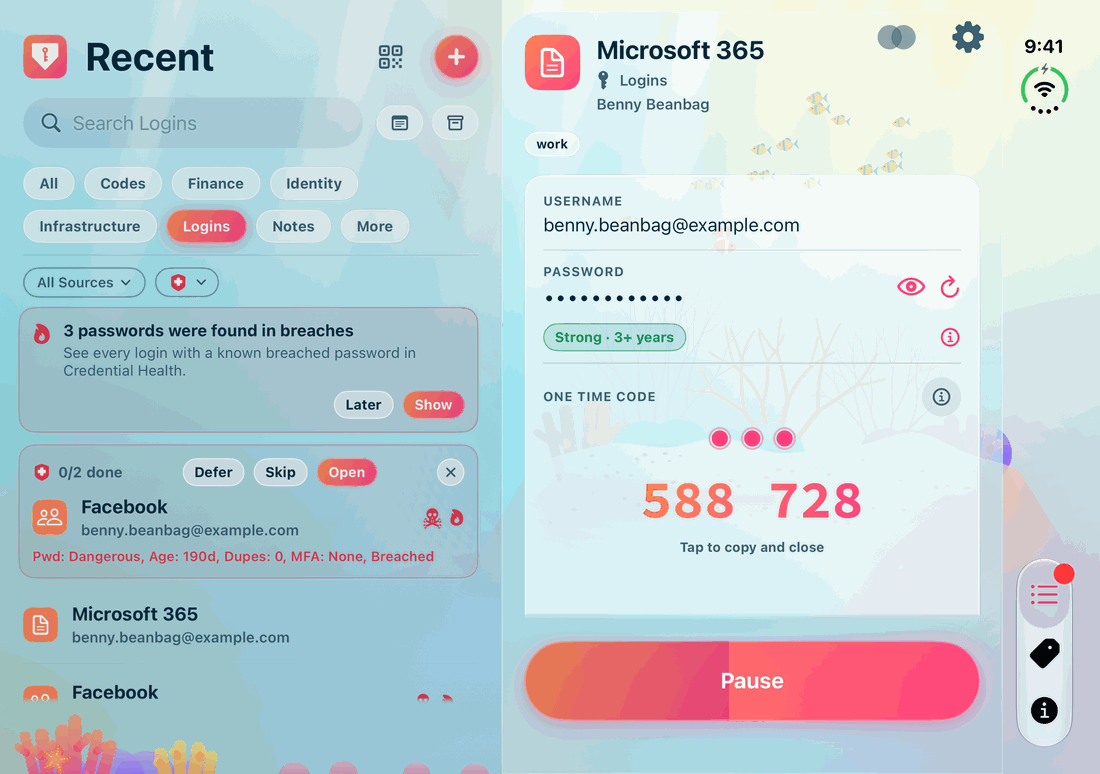
- Tap an item and, once Face ID or Touch ID has confirmed it's you, it opens in the right half. Everything works as usual: tap a value to copy it or a web address to open it, a code shown large, and the item closing by itself after a while. See Opening an Item.
- While no item is open, the right half shows your theme's picture, drawn large.
- Tap another item and it takes the place of the first.
Everything else: a card in the right half
Every other screen you open from a page, such as New Item, Edit, Manage Tags, Import, Export, Back Up, Help and Settings, appears as a card in the right half, with your list still in view on the left, dimmed a little while the card is open.
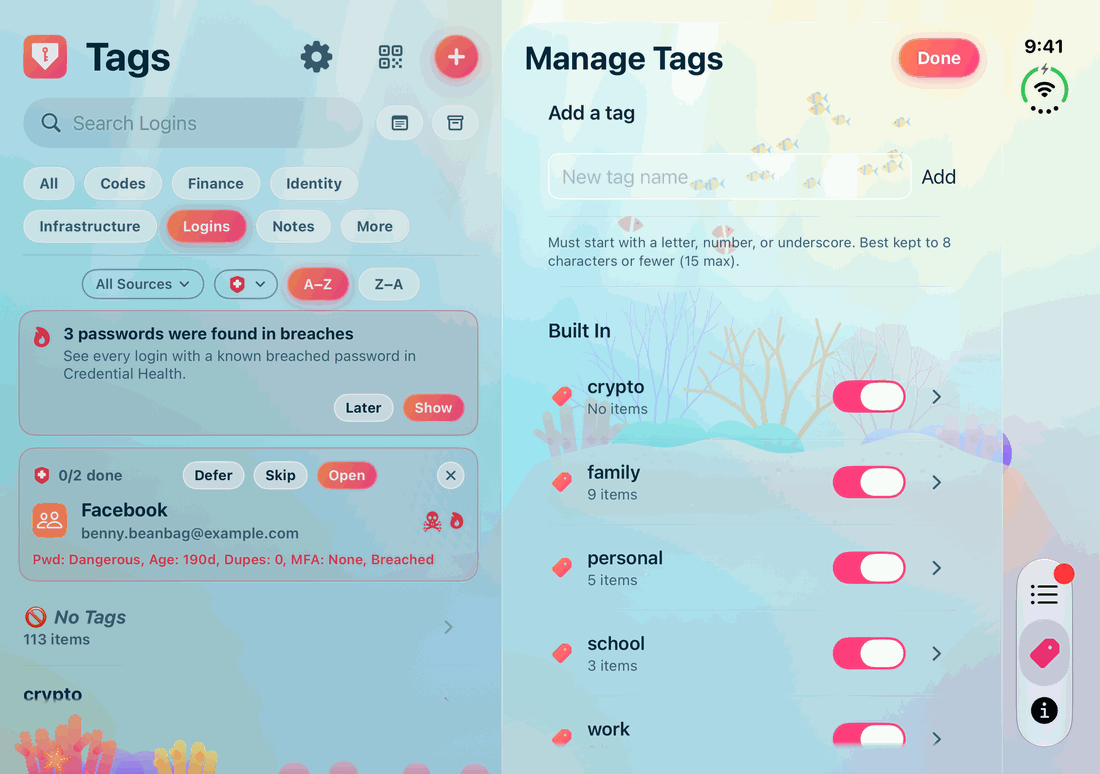
- Tap outside the card to close it. If closing it would lose something you've typed, Private Passwords asks first.
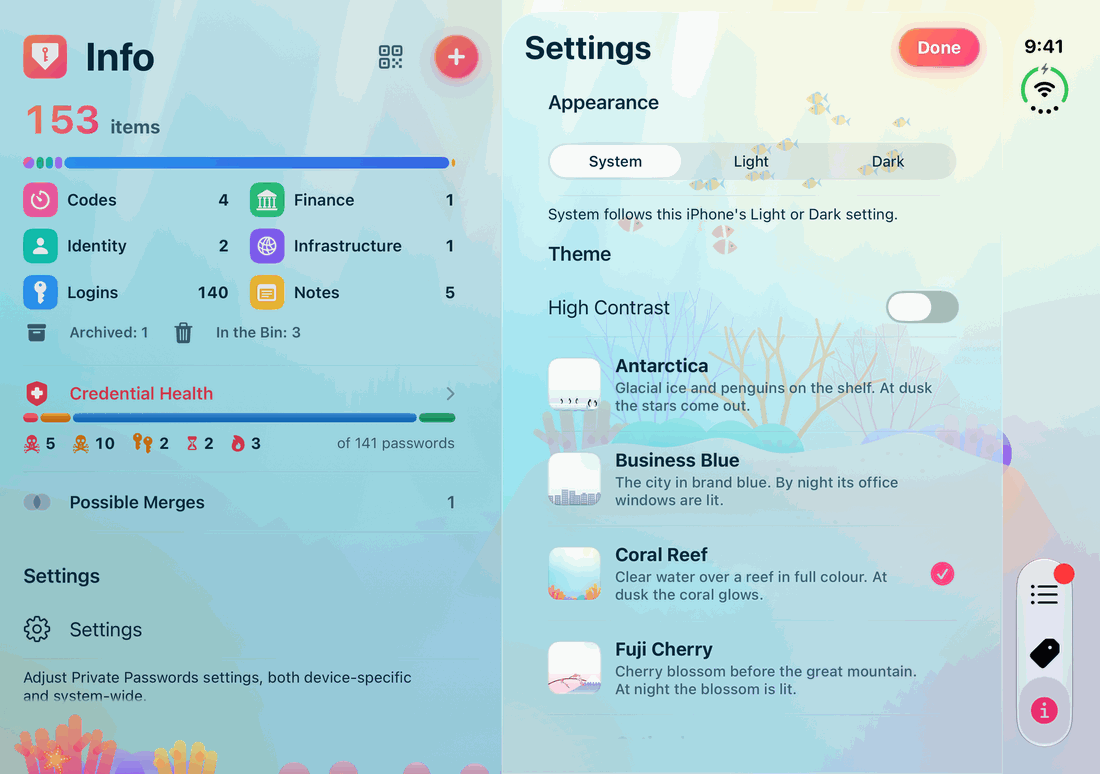
- Settings, opened from Info, sits beside the Info page, so you can watch the app change as you choose a theme.
- A few screens don't fit in a half: the camera for a one-time code fills the whole screen, and choosing a file uses iOS's own file picker.
Held upright
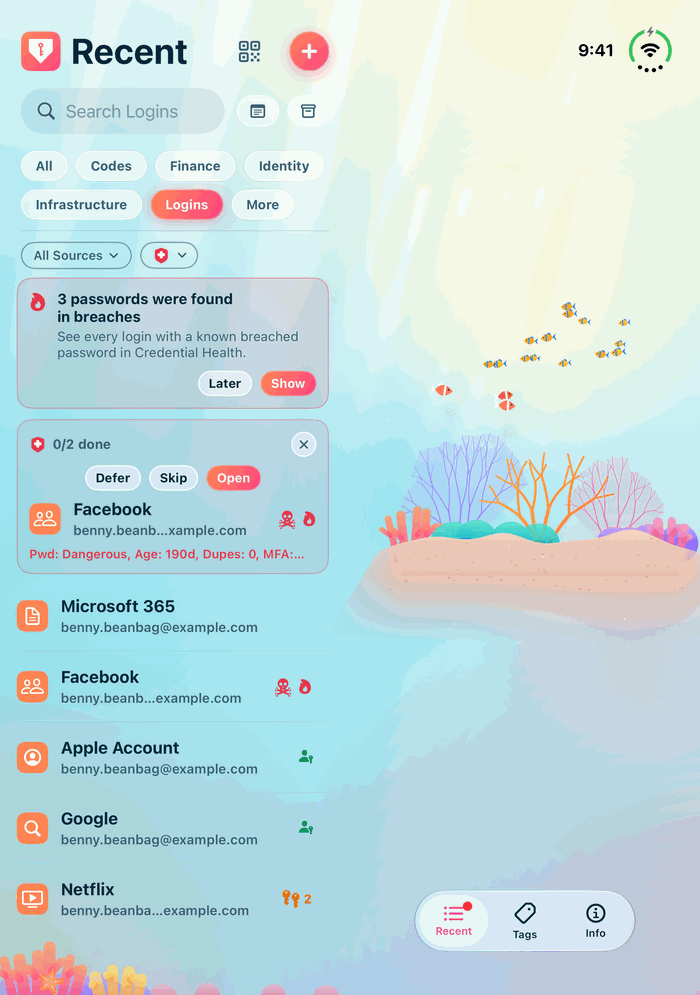
Turn the open Duo upright and the two halves stay side by side. The tabs move to a small bar at the foot of the right half, and cards stop above it.
Half open
Fold the Duo partly closed, like a book you're reading, and you see the same two halves, with the crease between them.
Beside another app
With iOS's Split View you can put Private Passwords beside another app, each taking half of the inner screen. In half the screen, Private Passwords looks just as it does on an ordinary iPhone: tabs along the bottom, and other screens opening over the page.
Opening and closing the Duo while the app is open is covered on Private Passwords on iPhone Duo.