Private Passwords on iPhone
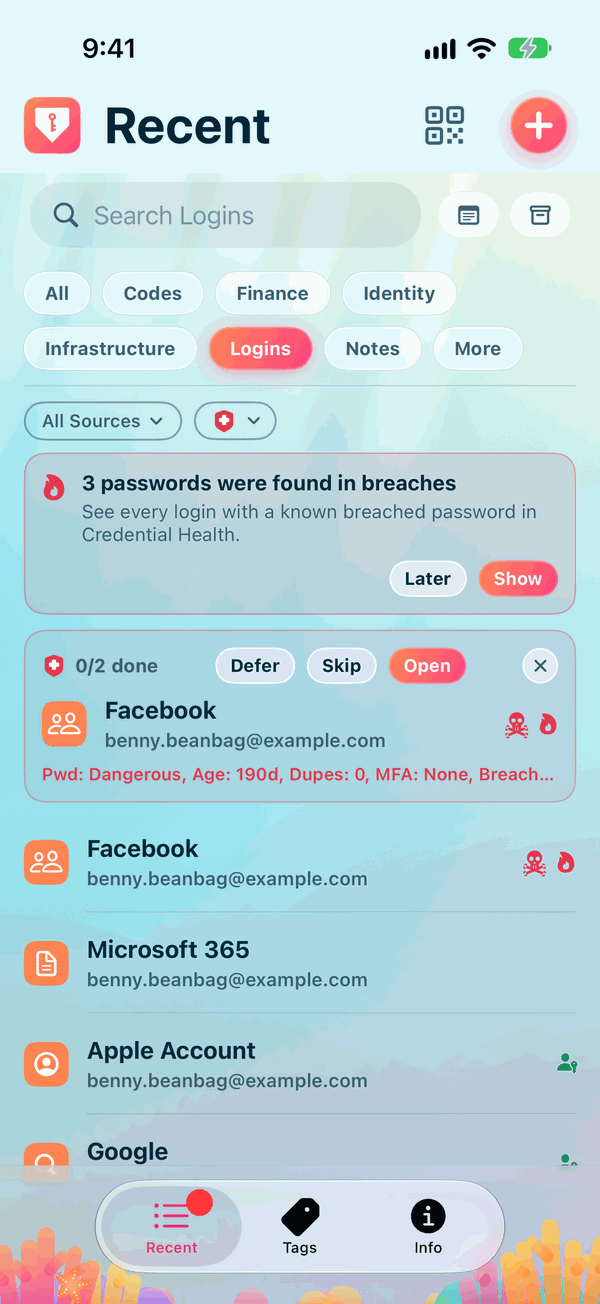
Private Passwords keeps your logins, one-time codes, cards, notes and identities on your iPhone, opened with Face ID or Touch ID. This book shows you how to use it on your iPhone, your iPhone Duo and your Apple Watch.
What you can do
- Sign in faster. Tap a sign-in box in Safari or another app, and Private Passwords offers your login above the keyboard.
- Sign up safely. Make a strong password when you sign up at a site, and keep it the moment you copy it into the site.
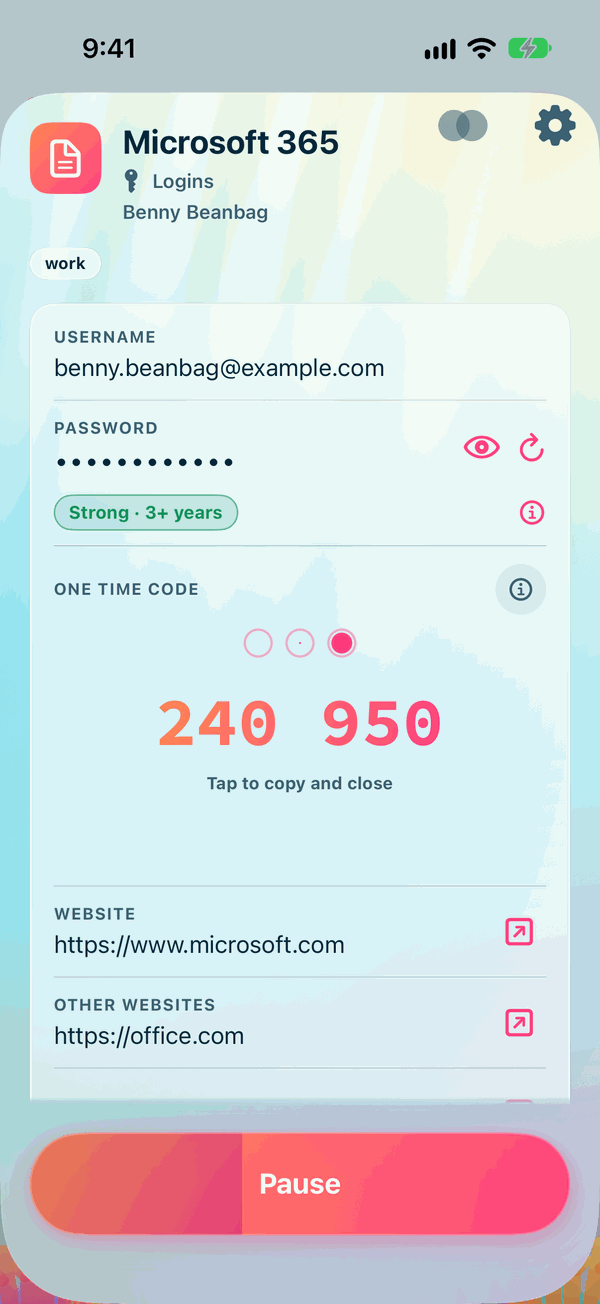
- Keep your one-time codes. Scan a site's QR code and Private Passwords shows the six-digit code whenever you need it, on your iPhone and on your Apple Watch.
- Keep the rest too. Cards, notes, identities and anything else, each with the fields it needs.
- Stay in step. With iCloud Keychain, your items follow you to your other iPhone, iPad and Mac.
Where to start
New to Private Passwords? Read these in order:
The rest of this book
- Everyday Use: finding, opening, adding and editing your items.
- Filling In Passwords: AutoFill, saving new logins, Insert Text and the Share sheet.
- Settings: Face ID, copying and syncing.
- iPhone Duo and Apple Watch.
What works the same on every device, such as templates, identities, backups and importing, is in the Every Device pages.