Face ID, Touch ID and the unlock period
Private Passwords keeps your passwords locked away until you show it's you, with Face ID or Touch ID.
When it asks
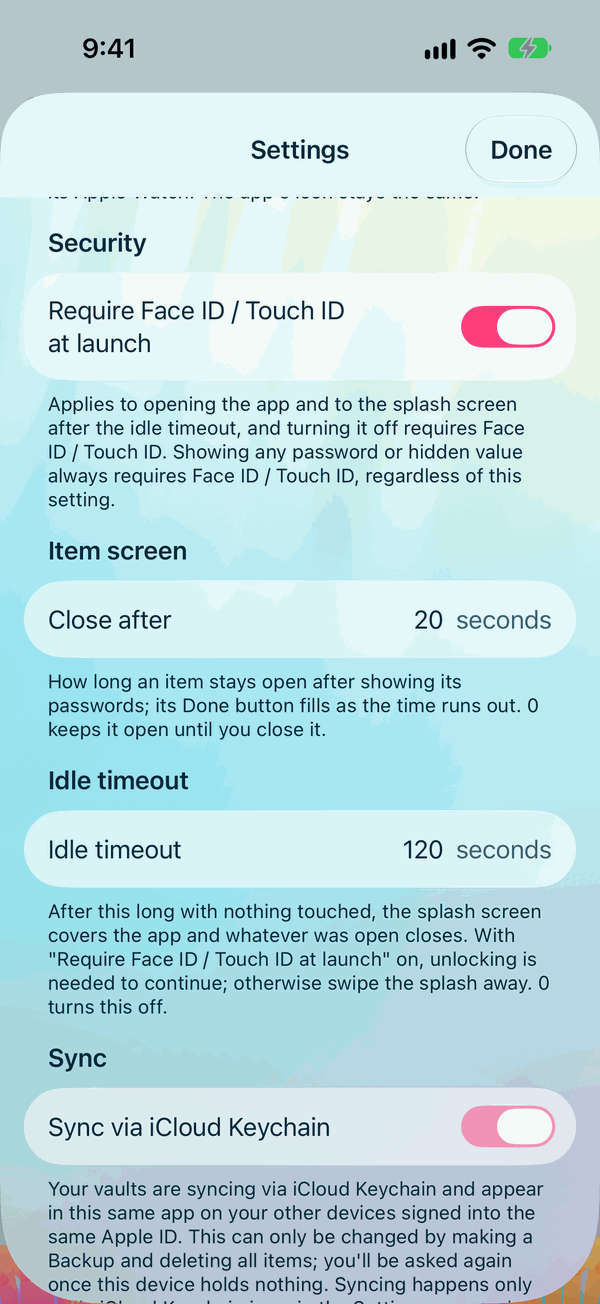
- As it opens, while Require Face ID / Touch ID at launch is on in Settings. It's on to begin with.
- Before it shows a password or opens an item.
- Before AutoFill fills a login or code in Safari or an app.
- Before important changes, such as opening Settings, making a backup or deleting everything.
The unlock period
Face ID asks each time. It takes no effort, so on an iPhone with Face ID, Private Passwords simply asks whenever it needs to.
With Touch ID, or your iPhone's passcode, Private Passwords doesn't ask again for a while once you've confirmed. That while is the Unlock period: 900 seconds, or 15 minutes, to begin with. It covers both the app and AutoFill. It ends early when your iPhone locks, or when you lock or close Private Passwords, and each new unlock starts it again.
To change it, open Settings, and under Unlock period type a number of seconds, from 0 to 50,000. With 0, Private Passwords asks every time. Changing it asks for Face ID or Touch ID first.
Some things always ask afresh, whatever the unlock period: opening Settings, Import, Undo Last Import, Export, Back Up, Restore, View Restore Report, Empty the Bin, Copy iCloud Backup Key, deleting an iCloud backup, sending or saving a file in Send to Support, and Delete All Data.
When Face ID can't be used
- No Face ID or Touch ID set up? Private Passwords asks for your iPhone's passcode instead.
- Face ID or Touch ID locked after too many tries? Unlock your iPhone with its passcode, then try again.
- Face ID or Touch ID changed since you last opened Private Passwords, for example a new face or fingerprint added? Private Passwords tells you. If you didn't change it, someone who knows your passcode may have added their own. If your iPhone isn't in your hands, erase it with Find My.
Idle timeout
After a while with nothing touched, a cover hides Private Passwords and whatever was open closes. You choose how long with Idle timeout in Settings: 2 minutes to begin with.